Choose by how you will travel
Solo travelers who mainly need maps and messaging should first compare one-device data plans. Two people who may split up should each have a way to get online; one shared hotspot leaves the person walking away without that connection. A family staying together can compare a rented router against separate plans, including the extra device to charge and carry.
Keep your existing home-carrier roaming as another comparison, not an automatic mistake. It may suit a very short visit or someone who values keeping their normal number, but check the actual allowance and charges. We do not name a universal cheapest network: dates, data, calling and support must be comparable.
| Option | May suit | Check first |
|---|---|---|
| eSIM | Your phone without equipment pickup | Exact model, lock, activation start |
| Physical SIM | Compatible phone without usable eSIM | Slot, lock, pickup |
| Pocket Wi-Fi | People staying together | Sharing, charging, return, deposit |
| Home roaming | Short visit or normal number matters | Actual allowance, calls, charges |
Check compatibility before paying
Look up your exact phone model and purchase region in the provider's supported-device list. Similar model names can have different SIM capabilities. Confirm that the device is carrier-unlocked and that you can add the required SIM or eSIM. An eSIM menu alone is not a guarantee that a particular plan will work.
If unsure, send the model details to the provider before purchase or choose an airport counter where staff can confirm a suitable product. Do not remove your existing eSIM just to make room without understanding how it can be restored. Keep a physical home SIM securely if you swap it out.
Data is not the same as a fully verified Korean number
A data-only plan supports internet apps but does not promise ordinary outgoing calls or SMS. If a restaurant, activity or driver needs a Korean number, check whether your chosen product provides the required incoming/outgoing function. Ask whether a reservation service accepts an international number or its visitor-facing version first.
Ordinary SMS verification and Korean identity verification are different processes. Do not buy a tourist SIM on the assumption that it will unlock banking, government services or every domestic app. KT explicitly requires an entry/identity check for its voice top-up and voice/SMS services. Provider and product conditions differ; passport checks can be required at an airport counter. LG U+ also distinguishes ordinary tourist calls/SMS from bank or government identity verification, which its tourist products do not support. Entry checking is not the same as resident identity verification.
Compare the complete product, not “unlimited”
Check high-speed data limits and any slowdown, tethering rules, included calls, validity start, activation deadline, network, support hours and refund policy. “Five days” may mean a different activation calculation across providers. Get the rule before installation, not after the plan has started.
For a router, add collection and return locations, operating hours, deposit or payment hold, loss charges and accessories. For an eSIM, check whether delivery, installation or first connection starts validity and whether a failed installation qualifies for support or refund. KT's extension page warns that completed eSIM purchases are not cancellable or refundable; do not generalize another seller's more generous terms to it. LG U+ likewise restricts refunds for a completed eSIM purchase. Compare the terms of your actual purchase route, not another seller’s cancellation offer.
| Condition | Question for seller |
|---|---|
| Validity/setup | How many days; which action starts the clock? |
| Calls/SMS | Does it provide the receiving/sending/verification function I need? |
| Data/sharing | What happens after high-speed allowance; hotspot rules? |
| Cancellation/reinstallation | Refund after payment; replacement after deletion? |
| Router return | Where, by when, with which accessories and late charges? |
Set up before you leave the airport
Save the provider's installation instructions, activation code and support channel while you have Wi-Fi. Install at the point the product instructs. Select the travel line for mobile data, and follow that provider's roaming/APN instructions rather than toggling every setting at random. Keep paid roaming on your home line disabled if you do not intend to use it.
Test a map search, a message and any calling function you paid for before leaving a staffed counter. Download the mapping and translation apps you need in advance, and save hotel and meeting-point addresses offline. Keep the eSIM QR code private; it is not a souvenir photo to post publicly. Briefly turn Wi-Fi off for this test: a successful airport Wi-Fi connection does not prove that your purchased mobile data works.
If the connection fails, keep a recovery path
Reconnect to airport or hotel Wi-Fi, check that the purchased line is active and selected for data, and consult the provider's troubleshooting steps. Avoid deleting the eSIM as your first fix: the code may not be reusable. Send support the error and device model, but never a public post containing your passport, activation code or full payment details. LG U+ specifically warns that a deleted eSIM cannot be restored. Use its support process before deleting the profile.
If the provider is temporarily unavailable, retain the order and use a limited fallback connection rather than buying several plans blindly. On departure, return rented equipment where the contract requires, verify all accessories and keep proof of return. Restore your home line settings when appropriate. The best plan is the one you can activate, use and finish reliably, not the one with the largest marketing number. LG U+ says its daily rental charges continue until the router is returned. That is a provider-specific rule, not a universal calculation for every company.
Gimpo bundle and final booking check
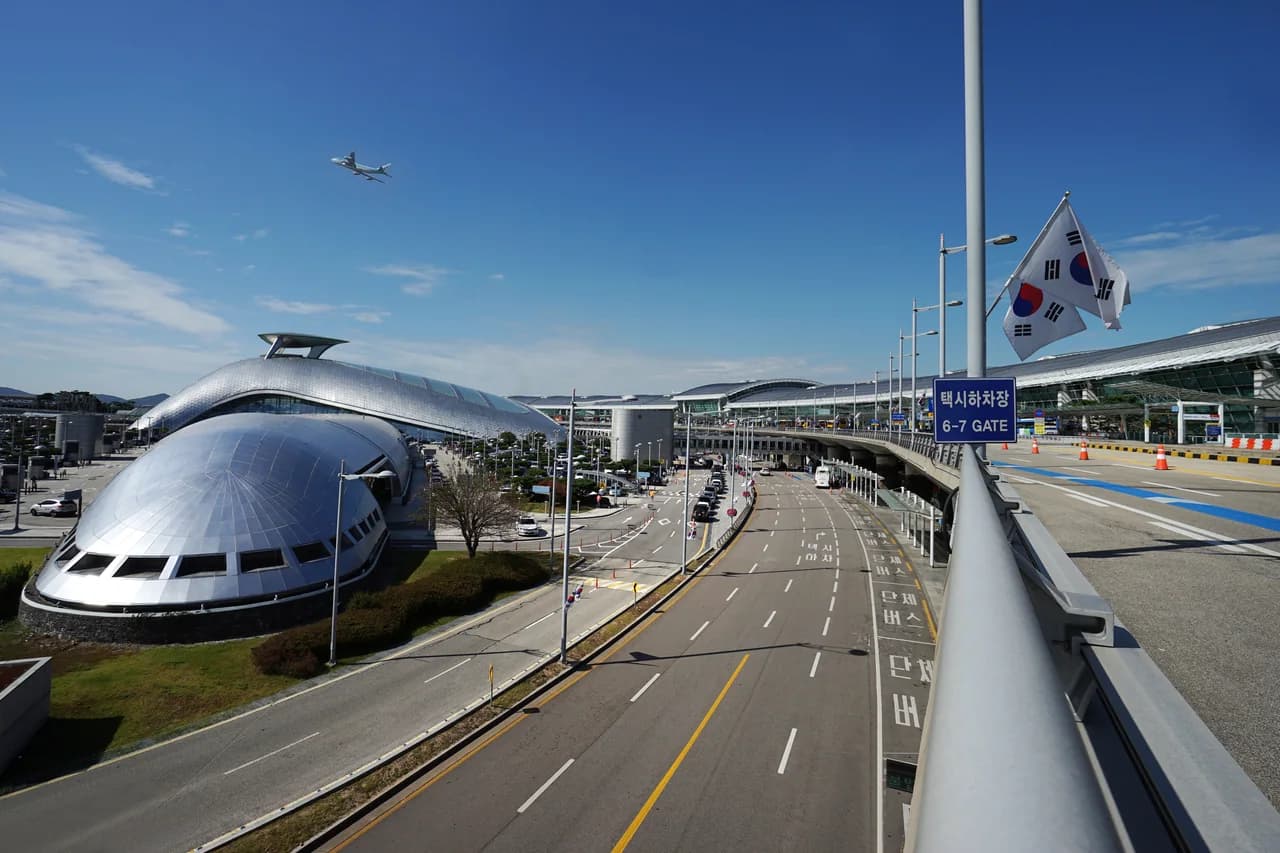
The linked product is a physical SIM and rechargeable Tmoney card collected at Gimpo Airport. It is not an Incheon pickup eSIM or an unlimited transport pass. Add transport credit separately. The archival Incheon photograph is not a map to the Gimpo collection counter; use the selected option’s voucher for the actual location.
Check a physical SIM slot and carrier unlock, usage period and collection time, passport needs, flight-delay arrangements and cancellation deadline on the checkout route. The current listing advertises cancellation up to 24 hours beforehand; do not apply that to direct-carrier eSIM purchases. Clarify uncertain calling/SMS terms and test the connection before leaving staff. A related link does not certify today’s inventory or final quote.
- Check exact model, purchase region, lock and slot
- Plan connectivity when the group splits
- Separate data, incoming/outgoing functions and identity checks
- Check setup, validity start and activation deadline
- Save this seller’s cancellation/reissue rules
- Match airport, terminal, hours and return obligations
- Gimpo bundle requires transport top-up; not an Incheon eSIM
Sources & verification
Prepared by Gollaba using the sources below. Planning suggestions are editorial judgments, not claims of a personal visit.
- Korea Tourism Organization — Mobile connectivity ↗Source checked:
- KT — SIM extension and identity/return conditions ↗Source checked:
- Korea Tourism Organization — Useful maps and translation tools ↗Source checked:
- LG U+ — Tourist eSIM, support and refund terms ↗Source checked:
- LG U+ — Pocket Wi-Fi collection and return ↗Source checked:
- GetYourGuide — Gimpo physical SIM and rechargeable Tmoney ↗Source checked: